How To Bid
How To Bid
Properties are advertised each week between Thursday and Tuesday the following week. There will be no properties available to bid for on Wednesdays.
1. Login to your Bassetlaw HomeFinder Account using your Login Reference, Memorable Date and Password.
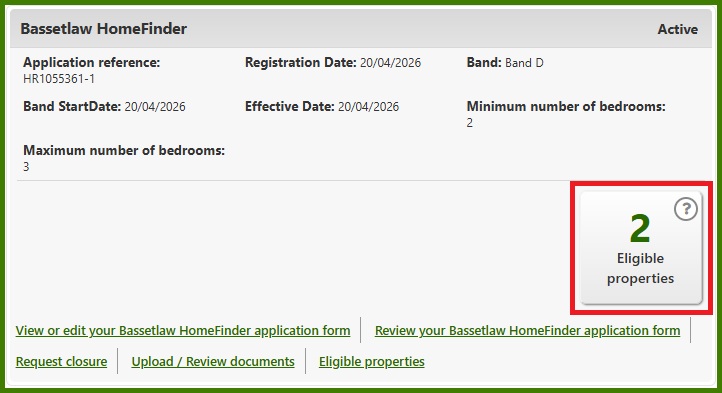
2. You can view only properties that you are eligible for by clicking the Eligible properties button.
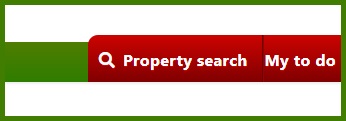
Or you can search for all properties by clicking Property search then clicking Search.
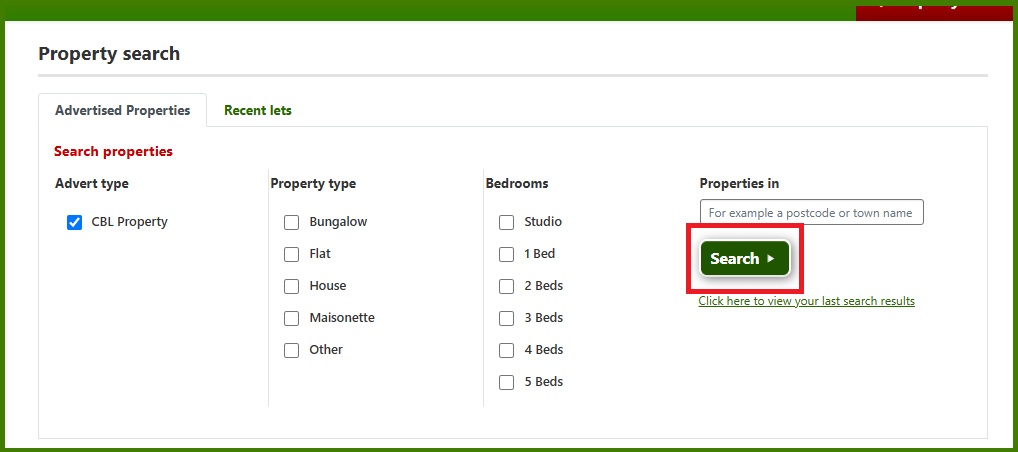
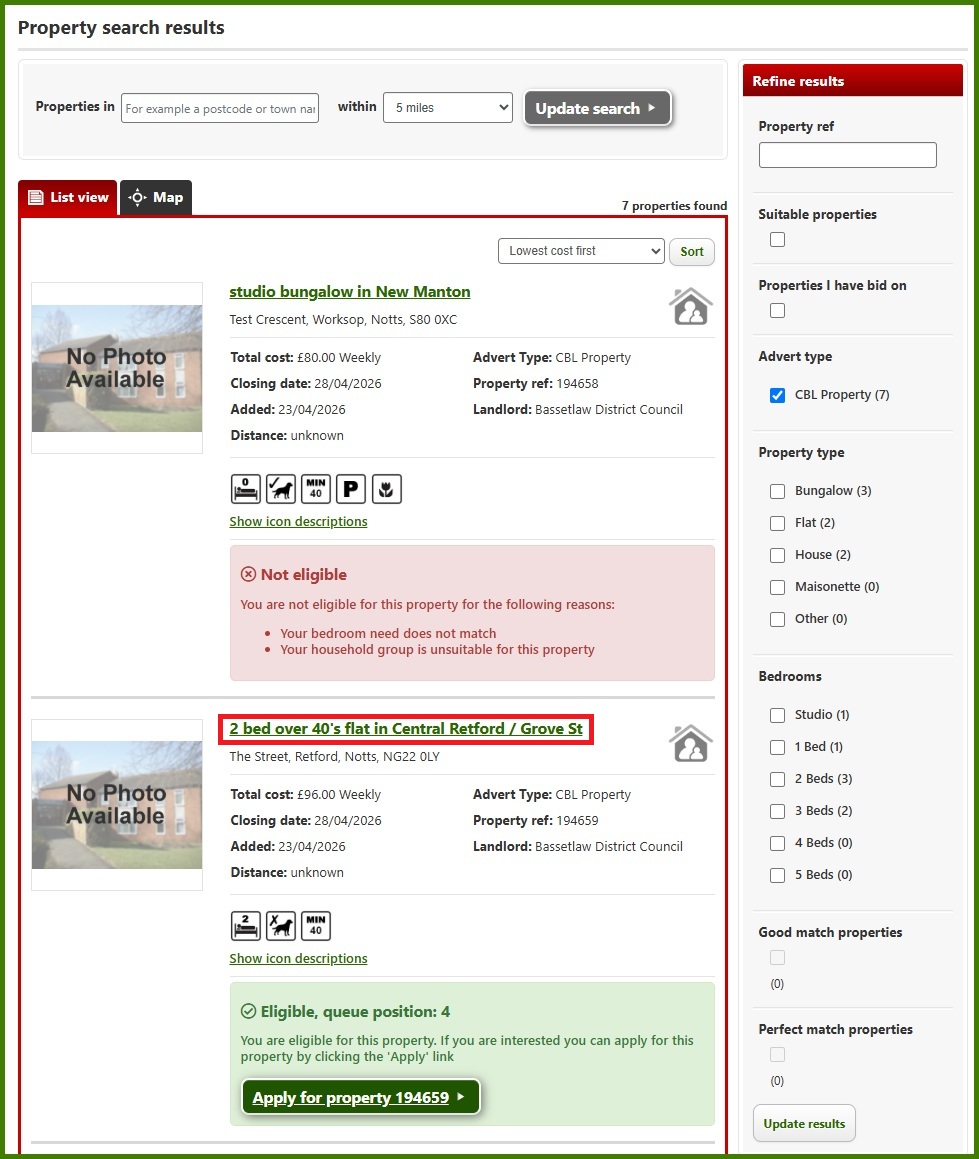
3. You'll be shown the Property search results page. You can click on the property title (highlighted in red below) to view more details.
If you are not eligible to bid for a property you will be shown the below box.
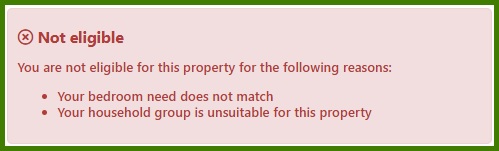
You might not be eligible to bid for certain types of property because:
- Your household doesn't need the number of bedrooms the property has
- You don't meet the age criteria for the property (e.g. bungalows)
4. If you wish to apply for a property, click the Apply button.
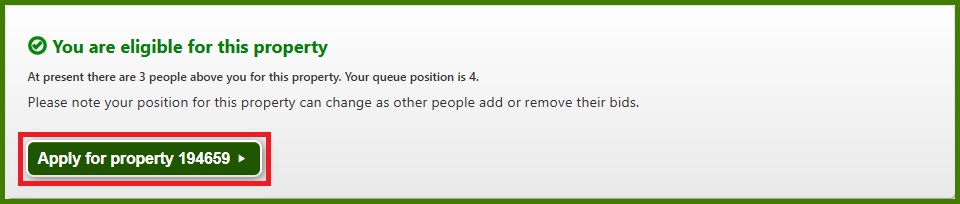
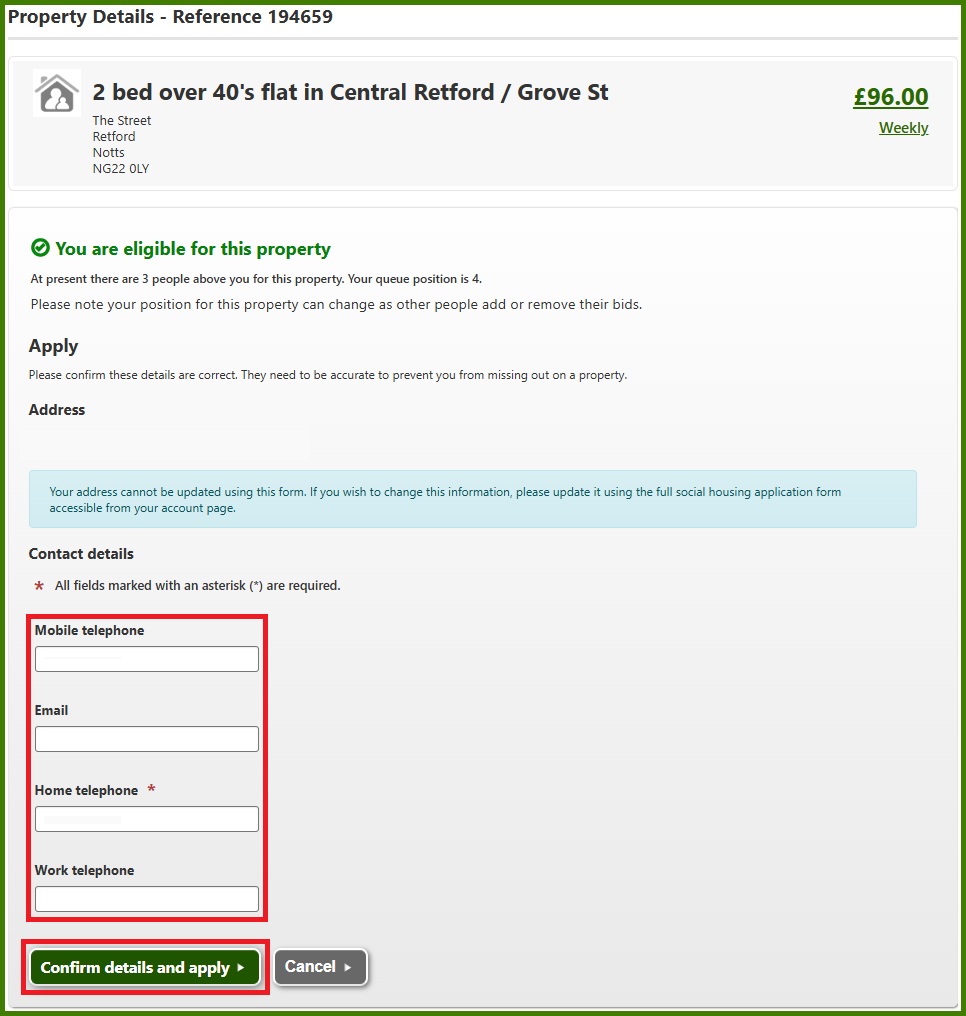
You will be prompted to confirm your Contact details. Please make sure that your email address and telephone numbers are up-to-date.
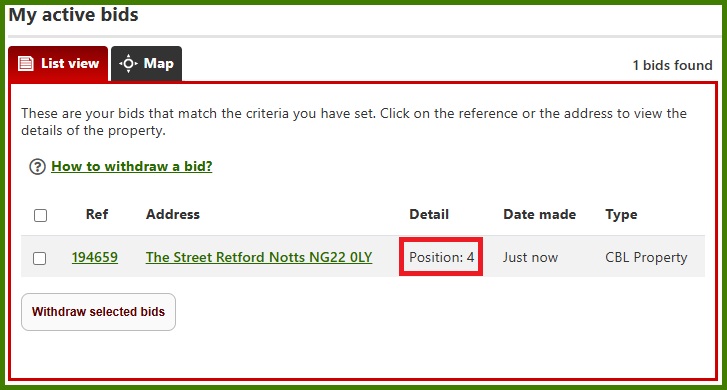
5. You can view your active bids by going into My Account and clicking Open bids.
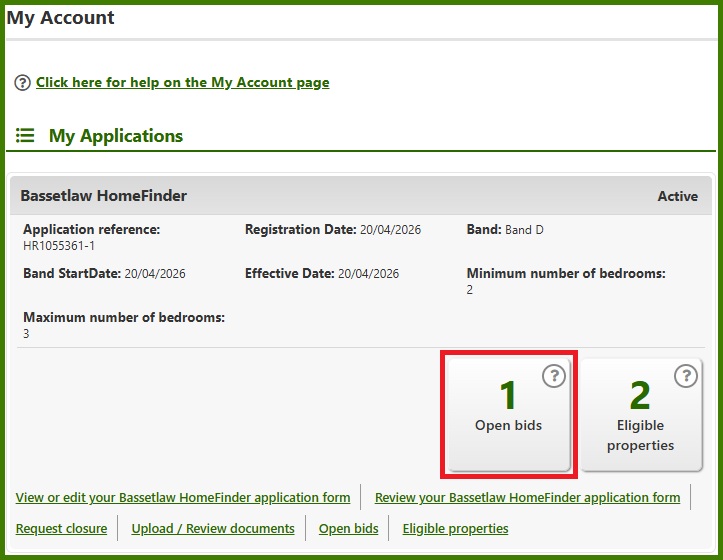
This will show you all of your active bids. Your Position is your position in the queue for this property.
Your Position may change before the bidding ends.